> For the complete documentation index, see [llms.txt](https://docs.simkl.org/how-to-use-simkl/llms.txt). Markdown versions of documentation pages are available by appending `.md` to page URLs; this page is available as [Markdown](https://docs.simkl.org/how-to-use-simkl/getting-started-with-simkl/basic-navigation/tv-shows-tracking/episode-tracking/recap-guide.md).
# Recap Guide
SIMKL Recap Guide, Largest Recap Database in the World!
The **Recap Guide** is one of SIMKL’s core content features, designed to help users quickly understand what happened in an episode **without accidentally spoiling themselves.**
It combines spoiler-safe summaries, detailed recaps, and contextual FAQs into a single, smart interface that adapts to your watch progress.
SIMKL has built **the largest recap database in the world**, with **over 400,000 professionally written, no-spoiler descriptions** covering **TV shows, movies, and anime**.
This makes SIMKL uniquely suited for users who want clarity, reminders, or deeper understanding, without ruining future episodes.
***
## What Is the SIMKL Recap Guide?
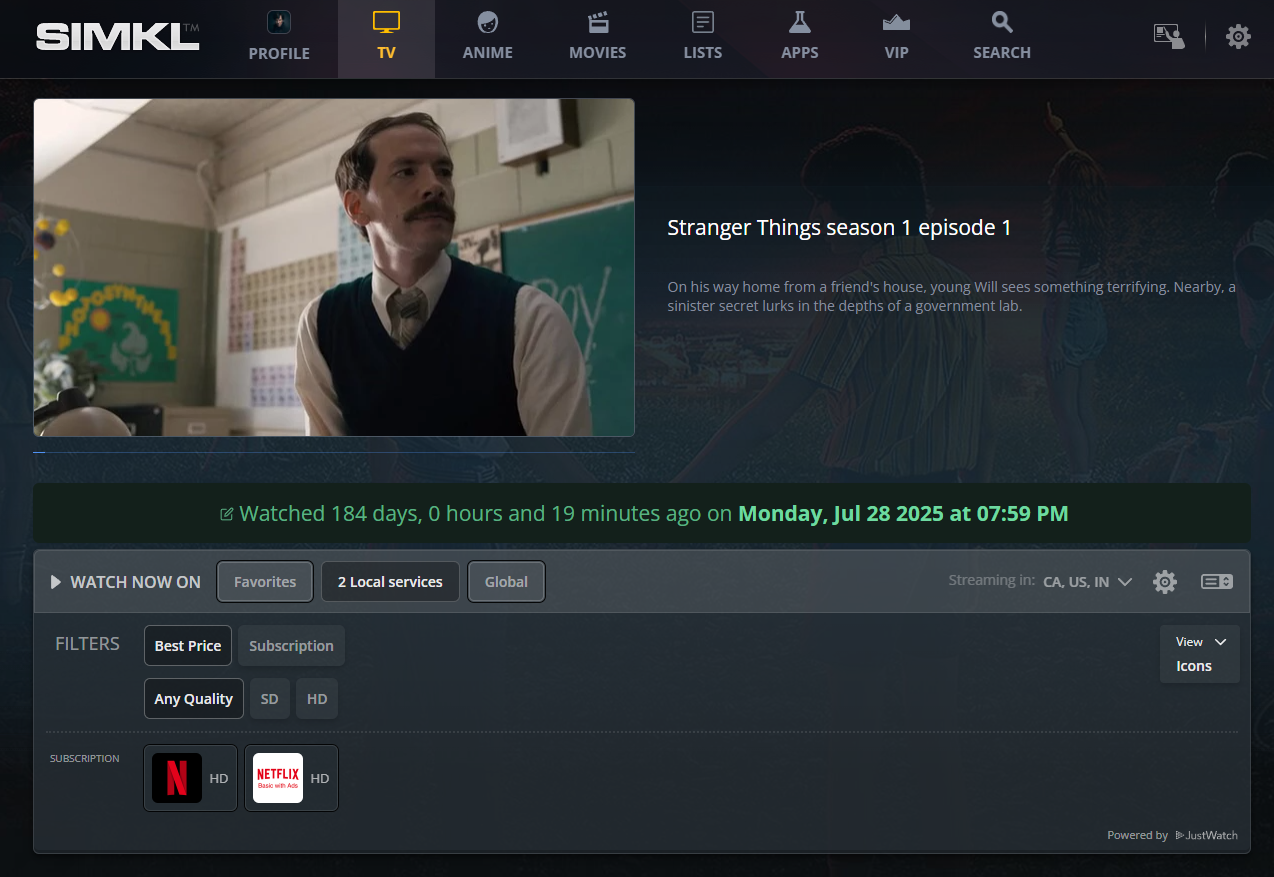
The Recap Guide is an **episode-level content** available on almost every TV episode page on **SIMKL**.
It consists of three main layers:
1. **Episode Summary (No Spoilers)**
2. **Full Episode Recap (Spoiler Content)**
3. **Episode-Specific FAQs**
4. **Screencaps (Bonus feature)**
These layers are wrapped inside a **smart Recap & FAQ Box** that automatically adjusts based on whether you have watched the episode or not.
#### Integrated With Your Tracking Experience
The Recap Guide is not a standalone feature, it is deeply connected to how SIMKL works.
It integrates with:
* Episode watch history
* “Mark as watched” actions
* Progress tracking
* Calendar and next-episode flow
This makes SIMKL both a **tracker** and a **reference library**.
{% hint style="info" %}
### Smart Spoiler Protection by Watch Status
SIMKL’s Recap Guide is tightly integrated with your watch history.
#### If You Have NOT Watched the Episode
* The Recap & FAQ box is **collapsed by default**
* A prominent **Spoiler Alert warning** is shown
* Full recaps and FAQs remain hidden
* You can manually expand it if you choose
This ensures you never see spoilers by accident while browsing upcoming episodes.
#### If You HAVE Watched the Episode
* The Recap & FAQ box is **automatically expanded**
* The full recap and FAQs are immediately accessible
* No spoiler warnings interrupt your reading
This behavior allows SIMKL to act as a **post-episode companion**, not just a database.
{% endhint %}
***
### 1. Episode Summary (Always No-Spoiler)
At the top of every episode page, SIMKL displays a **short, spoiler-free episode summary**.
This summary:
* Describes the **setup and themes** of the episode
* Avoids major plot twists, deaths, or reveals
* Is safe to read even if you have not watched the episode
* Helps you recall context without ruining surprises
This is especially useful when:
* You are resuming a show after a long break
* You want a refresher before watching the next episode
* You are deciding whether to continue a series
***
### 2. Full Episode Recap (Detailed, Spoiler-Based)
The **Full Episode Recap** section provides a **scene-by-scene breakdown** of what actually happens in the episode.
Key characteristics:
* Clearly separated from the spoiler-free summary
* Accessible only when expanded
* Written in a clear, chronological structure
* Focuses on story, character actions, and outcomes
These recaps are ideal for:
* Refreshing your memory before the next episode
* Understanding complex or dense episodes
* Revisiting key moments from earlier seasons
* Clarifying events you may have missed
Because SIMKL tracks your watch status, these recaps feel **context-aware**, not intrusive.
***
### 3. Episode FAQs: Context Without Guesswork
Below the recap, SIMKL includes **Frequently Asked Questions** specific to that episode.
Typical FAQs cover:
* Character motivations
* Plot clarifications
* Ending explanations
* Connections to previous episodes
* Setup for future episodes (without spoiling beyond this episode)
This section reduces the need to:
* Search the web
* Risk spoilers on forums or social media
* Read ahead accidentally
It is especially valuable for:
* Mystery and thriller shows
* Shows with complex timelines
* Political, crime, or sci-fi series
* Anime with dense lore
{% hint style="success" %}
### Largest Recap Database in the World
SIMKL has invested heavily in original recap content.
Current scale:
* **400,000+** written recaps and summaries
* Coverage across **TV, movies, and anime**
* Focus on **clarity, neutrality, and spoiler control**
* Continuous expansion for new and ongoing releases
Unlike user comments or scraped summaries, SIMKL recaps are:
* Structured
* Consistent
* Written specifically for tracking and reference
* Designed to coexist with watch history
{% endhint %}
***
### **4. Screencaps (Bonus feature, in Beta)**
In addition to written recaps and FAQs, SIMKL is experimenting with a **visual companion feature** called **Screencaps**. This feature is designed to enhance episode pages with **contextual visual previews**, while still respecting spoiler boundaries and watch progress.
Screencaps are currently in **beta** and are being rolled out cautiously to ensure quality, performance, and spoiler safety.
#### What Are Screencaps on SIMKL?
**Screencaps** are **automatically generated visual snapshots** taken across an episode or an entire show. Instead of static posters or thumbnails, they provide **scene-level visual moments** that represent the episode’s progression.
On supported shows, users may notice:
* Subtle visual previews while browsing episode pages
* Hover-based or inline frame snippets
* Non-intrusive stills that complement written recaps
The goal is **visual memory recall**...
***
## SIMKL’s Recap Guide Is Different!
The SIMKL Recap Guide feature provides:
* Spoiler-safe episode summaries
* Detailed full recaps when you need them
* Episode-level FAQs for clarity
* Automatic spoiler protection
* Deep integration with watch tracking
* The largest recap database available today
Whether you are catching up, refreshing your memory, or diving deeper into a show, the Recap Guide ensures you always have the right information **at the right time** and never too early.
---
# Agent Instructions
This documentation is published with GitBook. GitBook is the documentation platform designed so that both humans and AI agents can read, navigate, and reason over technical content effectively. Learn more at gitbook.com.
## Querying This Documentation
If you need additional information that is not directly available in this page, you can query the documentation dynamically by asking a question.
Perform an HTTP GET request on the current page URL with the `ask` query parameter, and the optional `goal` query parameter:
```
GET https://docs.simkl.org/how-to-use-simkl/getting-started-with-simkl/basic-navigation/tv-shows-tracking/episode-tracking/recap-guide.md?ask=&goal=
```
`ask` is the immediate question: it should be specific, self-contained, and written in natural language.
`goal` is optional and describes the broader end goal you are ultimately trying to accomplish on behalf of the user. GitBook uses it to tailor the answer towards what is most useful for that goal.
The response will contain a direct answer to the question and relevant excerpts and sources from the documentation.
Use this mechanism when the answer is not explicitly present in the current page, you need clarification or additional context, or you want to retrieve related documentation sections.